Six Colors
Six Colors

Apple, technology, and other stuff

Support this Site

Become a Six Colors member to read exclusive posts, get our weekly podcast, join our community, and more!

By Jason Snell

The Incomparable 225: ‘A Very Different Idea of Fun’

Note: This story has not been updated for several years.

The Incomparable

This week on my pop-culture podcast The Incomparable, we talk about the excellent detective series “The Last Policeman,” by Ben Winters. It’s an almost noirish crime story set right before the world is going to be destroyed by an asteroid. My guests are Lisa Schmeiser, Erika Ensign, and David J. Loehr.

This week The Incomparable is sponsored by:

  • TextExpander touch 3 — The new version’s custom keyboard works with iOS 8 to auto-expand what you type in every app, including Apple’s.

There were also new episodes of TV Talk Machine, Total Party Kill, TeeVee, and Random Trek this week.


Sponsor: Babble-on App Localization

This week’s Six Colors sponsor is Babble-on App Localization. A lot of our readers are amazing developers creating remarkable apps—in English. But what about the other six billion people on the planet? Babble-on can help you translate your app into every language of the App Store.

Babble-on is a small shop based here in San Francisco that caters to devs who really care about their international users. This is not Google Translate, but a team of professional, native-speaking translators who specialize in apps. While other companies offer varying price-versus-quality tiers for localization, Babble-on has just one level: expert. They can even help you (re)write your app description in English.

Babble-on is offering 10% off your first app localization project if you sign up for their free developer portal by December 31, 2014. That gives you helpful pseudolocalizations and other tools to prepare your app for internationalization.

And if you aren’t quite sure how to localize your iOS app, check out this free tutorial for internationalization with Xcode 6 hot off the presses.


By Jason Snell

My Favorite Things: iOS Apps

Note: This story has not been updated for several years.

I have an iPhone and an iPad. Do you have an iPhone and/or an iPad? Did you know that you can add small programs, or “apps,” to it? Here are some of these so-called “apps” that I enjoy.

Continue reading “My Favorite Things: iOS Apps”…


Podcasting hits Twitter numbers

Two links to Glenn Fleishman in one day. Someone stop me before I Glenn again.

This time it’s on his own blog, extrapolating some numbers from recent social-media surveys:

Twitter’s growth has slowed, especially for active users. Podcasting has by no means reached its top, and it’s likely to be driven higher by a critical mass of adoption and shows like Serial. The number of podcast listeners could start to approach Edison’s figures for online radio listeners: about 47% of the 12+ population in America, or about 124 million people.

For people who love listening to and making podcasts, 39 million is a very nice potential audience, but striving towards 124 million sounds even better.


The new Star Wars characters! Collect ’em all!

Finn

I’m trying to avoid The Force Awakens spoilers as much as the next guy, so I appreciate that J.J. Abrams and I seem to be on the same page. You won’t find any new pictures in this set of faux Topps trading cards (I had a bunch of these and their successors when I was a kid), just screencaps from the trailer. However, you will find character names, including Finn, Kylo Ren, Rey, and fans’ favorite soccer ball droid, BB-8.

Just 372 days, people.


By Dan Moren

Wish List: Touch ID for the Mac

Note: This story has not been updated for several years.

/Users/dmoren/Downloads/touchid-mac-6c.jpg

I skipped out on the iPhone 5s, so the iPhone 6 is the first time I’ve had Touch ID—honestly, you haven’t lived until you’ve given your phone the finger. So to speak.

The other night, a friend commented that he keeps trying to unlock his original iPad Air with his fingerprint, so accustomed has he become to his iPhone 6 (yes, it’s the first worldiest of first world problems), but that got me thinking about someplace else Touch ID might come in useful: the Mac.

Biometric security—and fingerprint readers in particular—are nothing new on PCs. Plenty of laptops have a built-in scanner, but they’re often finicky, and software support for them is generally halfhearted at best. Like some of my past suggestions, all of that adds up to something that fits right into one of Apple’s sweet spots.

Continue reading “Wish List: Touch ID for the Mac”…


Clockwise 66: ‘Driving Through Magic’

Clockwise Podcast

Clockwise is a weekly podcast that’s great for listening to on short car rides—because it’s also never longer than 30 minutes.

In this week’s episode, my co-host Dan Moren and I chat with guests Georgia Dow and Myke Hurley. We talk about Apple’s App Store rejections, early video game memories, Siri on the desktop, and why we should care about Net Neutrality.

Clockwise is sponsored this week by:

  • Boom 2 – Giving you the power to fine-tune every single element of audio coming out of your Mac. Try it for 7 days free and save 20% off when you buy using the coupon code clockwise.

Do you know where your Apple ID recovery key is?

Over at Macworld Glenn Fleishman provides a useful reminder: If you’ve got two-factor authentication turned on for your Apple ID, you need to make sure you’ve saved your recovery key somewhere. If you get in a situation like Owen Williams of The Next Web did and get locked out of your account, Apple literally can’t get you back into your account.

Apple has designed its two-step recovery system, just like iOS 8’s passcode protection and Mac OS X’s FileVault encryption, so that if the necessary credentials are lost, the firm cannot recover your data. It’s not just being perverse. Apple doesn’t retain information in a way that lets it gain access without key pieces of data or devices only you possess. If it has the secrets, then attackers can gain them, too, or it can be compelled to surrender them to government agents.

If you can’t find your recovery key, go generate a new one and put it in a safe place.


A statistical analysis of 30 years of Top Ten Lists

David Letterman’s last show will be in May of next year. Ben Blatt of Slate has performed an amazing analysis of Top Ten Lists going back to their inception in 1985:

But why does Regis hold the top spot in this list? How is it possible that the unremarkable talk show host is the most mocked man in Letterman’s long career? Sure, he’s a frequent guest on the show, but he’s not an A-list celebrity. He’s never been involved in a major scandal. He’s not someone who gets name-checked abundantly on other comedy shows. How did Regis become one of the longest running inside jokes in the history of late-night comedy?

I remember the first night of the Top Ten Lists. Back then I recorded the show every night and watched it before going to school the next morning. When it started it was just another recurring comedy bit, appearing in the place of some other bit that had worn thin. And while we can argue about whether or not the Top Ten bit has itself worn thin—it’s been almost 30 years!—it has become a delivery mechanism for an absurd number of jokes.

[Via my college pal Randy Dotinga, with whom I went to the Late Night 8th anniversary special in 1990.]


Workflow is Automator for iOS

Workflow

We talked a little bit about automation on last week’s Clockwise and I lamented that I’ve never been very good at actually putting together workflows. But this new app—let’s call it “Automator for iOS, only better”—looks amazing. I’ve played around with it for just a few minutes this morning, and I’ve hardly scratched the surface of what it lets you do.

Between this, IFTTT, Launch Center Pro, and Editorial (the latter two of which Workflow provides hooks for), there’s are some really impressive automation tools for iOS devices. If anything’s going to make people—including me—eat their words about just how much iOS is capable of, it’s the kind of power user features that, to date, have mainly been limited to the Mac

Hey, you know what would make this app really handy? Workflows that you could launch from a Notification Center widget. cough****cough


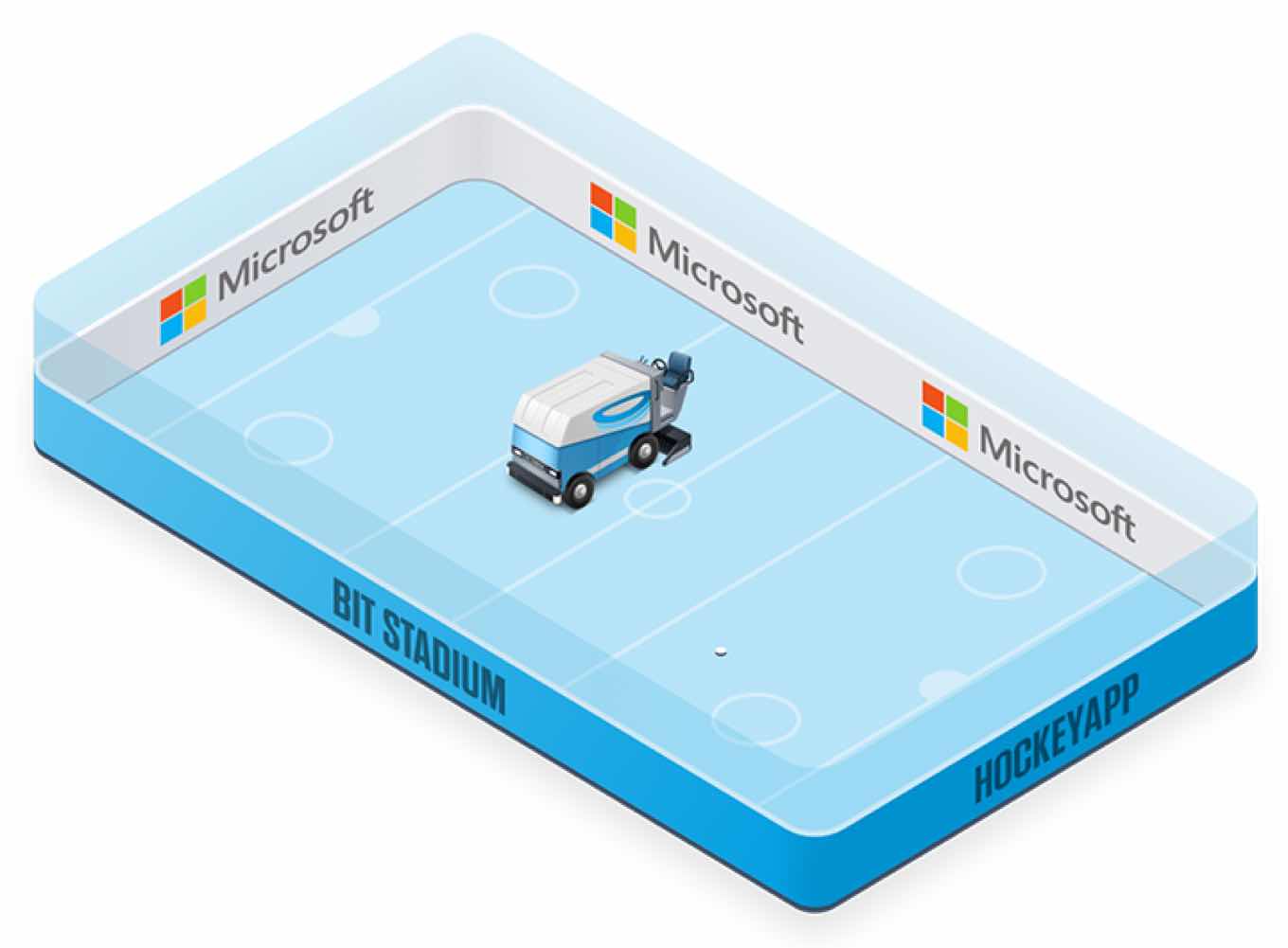
Microsoft makes a power play for HockeyApp

A week ago, a friend who works at a small game developer came to me, asking for recommendations on what his company should be using to distribute alpha versions of a new title. They didn’t want to go the TestFlight route, since it required Apple’s approval before they could send it to people outside the company.

Naturally, I pointed them towards HockeyApp, the other major app-testing system I’ve used.

Today:

We’re happy to share some exciting news with you: Microsoft has acquired HockeyApp! This is a tremendous opportunity to continue to provide developers with the best app development tools and users with the best app experiences.

Huh.

Well, I suppose it’s not exactly shocking: HockeyApp says Microsoft itself has actually been using the system to distribute test builds of its own apps, and Redmond has been making a point recently of writing software that runs on Windows Phone, Android, and iOS–all of which HockeyApp supports. (Since its acquisition by Apple, TestFlight unsurprisingly supports only iOS.)


Holiday deals: Buyer beware

Really nice piece by Farhad Manjoo about holiday deals, with a prominent appearance from my friend Jacqui Cheng, editor in chief of The Wirecutter.

During the holidays, Ms. Cheng turns her entire staff of about 20 writers and editors toward investigating advertised discounts on technology and home goods. “I kind of expected that we would be able to say that 85 percent or 90 percent were bad, but it turns out that almost literally every single one is bad,” Ms. Cheng said.

My daughter, who is 13, has become obsessed with holiday sales. It’s really amazing to see how sales psychology works on someone who is not yet inoculated with a modicum of shopping savvy. She keeps wanting to buy things because they’re a great deal, even if she doesn’t actually need them. And, as it turns out, it’s probably not a great deal either.


Twitter clients in 2014

If you read only one exhaustive survey of the current state of affairs in iOS Twitter clients, let it be Federico Viticci’s.

It’s fascinating to see just how little is left in this once vibrant field. Twitter used to be a service that was famously a design playground for mobile app developers. For most users it is now, like Facebook, a service with one official interaction point.

But as Viticci says, this isn’t necessarily bad:

I see what Twitter has become, and I like it. The Twitter experience I have in third-party clients isn’t the full Twitter anymore. As much as I wanted to deny it, I needed to face the facts and accept that the rest of the world sees Twitter through a different lens than our iOS community. Twitterrific and Tweetbot still offer plenty of features that I love such as timeline sync, better support for external image URLs, and share sheets, but, when compared to the new Twitter that I can have in the official app, the trade-off isn’t worth it anymore for me.

I don’t love the official Twitter client for Mac, but I use it because it’s just got more stuff in it. On iOS, I still resist, and use Twitterrific. But I’m resigned to the fact that one day I will have to stop resisting.


John has some choice words for Zuck, Lex details what would make him switch to an Apple TV, and the only upside to Apple’s arbitrary app review process is that Dan has found his calling in life.


By Jason Snell

My Favorite Things: Geeky Holiday Music

Note: This story has not been updated for several years.

A few years ago I wrote a story about one of my favorite holiday playlists, one featuring a bunch of geeky holiday music. Well, I’m no longer employed by the publisher of that story, so I’m just going to write a new story here on the site that I actually own. Merry Christmas empowerment!

Continue reading “My Favorite Things: Geeky Holiday Music”…


Studio Neat: Behind the syrup

Studio Neat makes a bunch of cool stuff, like the Glif iPhone tripod mount (I’ve got one), and the Cosmonaut stylus (one of those too), and the Neat Ice Kit (yep). Their newest product is the Simple Syrup Kit. (I backed it on Kickstarter.)

Anyway, they made a fun stop-motion video for the Simple Syrup Kit, and Dan Provost explains how they did it, including a great before-and-after comparison:

Once all the frames were shot (575 images over a span of about 2 hours), it was time to Photoshop out all of the parts that would ruin the illusion. Each individual frame doesn’t require too much work, but when added in aggregate (around 200 frames needed editing in some form) it ended up taking about 15 hours.

I’m not a mixed-drink guy, but let me tell you, simple syrup is great to have around when you’re making sweet iced tea…

[via Casey Liss]


This week’s baffling app rejection: Transmit for iOS 1.1.1

The lovely Cabel Sasser of Panic:

At Apple’s request, we had to remove the ability to “Send” files to other services, including iCloud Drive. In short, we’re told that while Transmit iOS can download content from iCloud Drive, we cannot upload content to iCloud Drive unless the content was created in the app itself. Apple says this use would violate 2.23 — “Apps must follow the iOS Data Storage Guidelines or they will be rejected” — but oddly that page says nothing about iCloud Drive or appropriate uses for iCloud Drive.

As with the PCalc widget controversy—which recently reran as the Drafts widget controversy—the issue here isn’t that Apple is rejecting apps. Apple can make any App Store policies it wants.

The issue is that nobody (except perhaps someone at Apple) seems to understand what the rules are regarding what apps can and can’t do. Maybe it’s time for a clear rewrite of the App Store guidelines, or even—dare I suggest it?—a blog where Apple can communicate with its developers about where it’s drawing the rules for new technologies such as iCloud Drive and Notification Center widgets?

Because right now, developers are reluctant to work to support new Apple features, because of the high risk of rejection. That’s bad for Apple, the platform, and the users, too.


By Jason Snell

My Favorite Things: Mac apps

Note: This story has not been updated for several years.

I spend a lot of time at my Mac. I love my iPad and iPhone, but my Mac is still where I spend most of my time. Between writing and making podcasts, this is the place where my tools of choice reside. Since it’s the end of the year, I figured, why not mention a bunch of Mac apps that I use every day? If there were a gift-giving holiday coming up, you could even use that as an excuse to buy them.

Continue reading “My Favorite Things: Mac apps”…


Upgrade 13: ‘#askupgrade’

Upgrade Podcast

This week on the tech podcast that hasn’t worked out its membership plan, Myke Hurley and I discuss where crowdfunding and advertising work together and where they clash, plus the art and science of selling t-shirts on the Internet.

This week, Upgrade is sponsored by:

  • Boom 2: a powerful system-wide volume booster and equalizer for the Mac. Louder, Clearer, Better.
  • PDFPen Scan+, from Smile. The power of your office in your pocket! Scan contracts, invoices, or receipts as PDFs with your iPhone or iPad.
  • Mailroute: a secure, hosted email service for protection from viruses and spam. Go to mailroute.net/upgrade for a free trial and 10% off, for the lifetime of your account.


Search Six Colors